Search operators are special words or symbols you can add to your Google searches to tell Google exactly what you are looking for. They act like filters to narrow down billions of results to just the few that matter.
This section explains the most powerful search operators used for Google Dorking, providing a clear explanation and practical examples for each on.
The following operators are the core tools of Google Dorking, telling Google exactly which part of a web page (URL, title, or body text) must contain your keyword.
site:
This operator is the fundamental way to restrict your search to a specific domain (like example.com), a subdomain (like blog.example.com), or even an entire Top-Level Domain (TLD) (like edu or gov). It's essential for focusing your search efforts.
Syntax:
site:<domain>Example:
site:nasa.gov "launch procedures"(This search will only return results from the
nasa.govwebsite that contain the phrase "launch procedures".)
inurl:
The inurl: operator forces your specified keyword to appear somewhere in the page's URL (web address). This is crucial for finding specific file paths, configuration pages, or common web application directories.
Syntax:
inurl:<keyword>Example:
inurl:admin/login.php(This search finds pages where the URL contains the segment
admin/login.php, often indicating an administrative login portal.)
intitle:
This operator restricts results to pages that have the specified keyword in the HTML <title> tag. This is one of the most effective tools for identifying server listings, directory indexes, or specific report titles.
Syntax:
intitle:<keyword>Example:
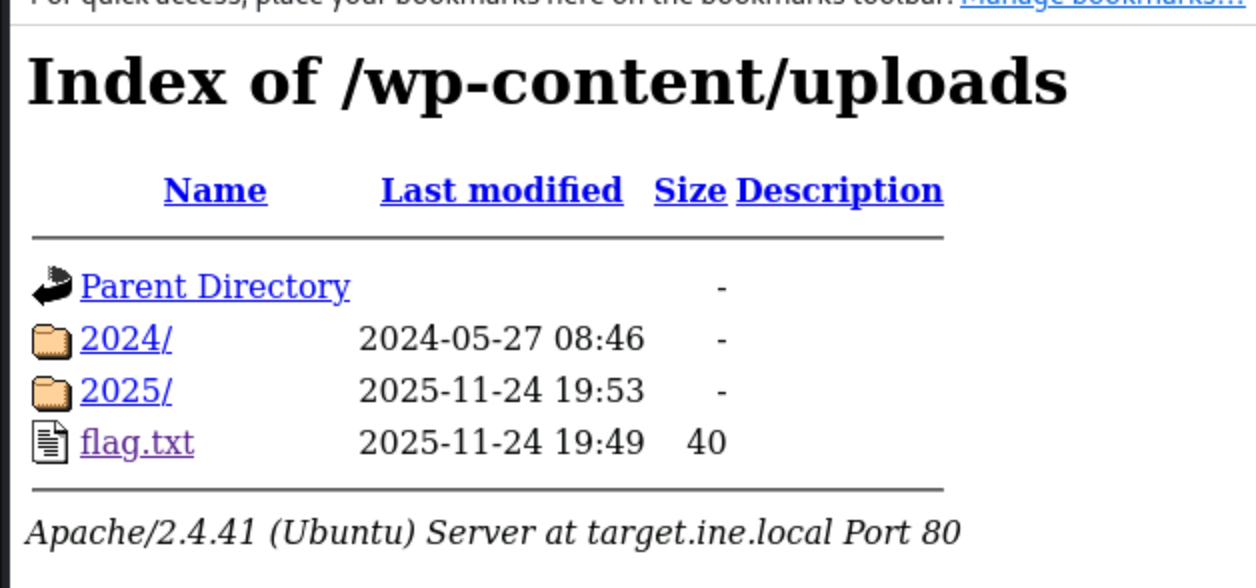
intitle:"Index of" .env(This dork searches for pages whose title is
"Index of"(often indicating an open directory listing) and which contain the term.env(a common configuration file) anywhere in the document.)
intext:
The intext: operator requires the specified keyword to appear in the main body text of the resulting page. It's used when you want to ensure a specific phrase or error message is present on the page, regardless of the URL or title.
Syntax:
intext:<keyword>Example:
intext:"Warning: mysql_connect()" site:example.com(This dork searches for the specific MySQL connection error message on the
example.comwebsite, which might indicate exposed debug information.)
allin... Operators (allintitle:, allinurl:, allintext:)
These are shortcut operators. They work like their single-keyword counterparts (intitle:, inurl:, intext:), but they apply to every keyword you type after them, saving you from repeating the single operator for each term.
Syntax:
allintitle:<keyword1> <keyword2>...Example:
allintitle:database backup credentials(This search finds pages where the title contains all three words: "database", "backup", and "credentials".)
filetype: or ext:
These operators restrict your search to documents with a specific file extension. They are vital for finding files like .log (log files), .sql (database dumps), .env (environment variables), .pdf, or .xls.
Syntax:
filetype:<extension>orext:<extension>Example:
site:example.com filetype:pdf confidential report(This search only looks on
example.comfor PDF documents containing the words "confidential" and "report".)
"" (Quotation Marks)
The quotation marks enforce a search for an exact phrase. Google will only return results where the words appear in the exact order specified. This is one of the most critical tools for finding specific error messages, file names, or unique code snippets.
Syntax:
"exact phrase here"Example:
"phpMyAdmin running on" inurl:main.php(This dork finds the exact status message from phpMyAdmin, often identifying exposed configuration pages.)
- (Minus Sign/Hyphen)
The minus sign acts as a NOT operator. It is used to exclude or remove results that contain a specific keyword or match a specific operator. It is essential for eliminating noise or unwanted domains (like GitHub or documentation sites) from your dorking results.
Syntax:
keyword -<exclusion>Example:
intitle:"Index of" password.txt -site:github.com -site:gitlab.com(This dork searches for exposed
password.txtfiles but excludes results coming from the GitHub and GitLab domains, which often host sample or harmless code.)
OR or | (Logical OR)
The OR operator (or the vertical bar |) tells Google to return results that contain either the term on the left or the term on the right. This is useful for searching for multiple common file extensions or error messages simultaneously.
Syntax:
<term1> OR <term2>Example:
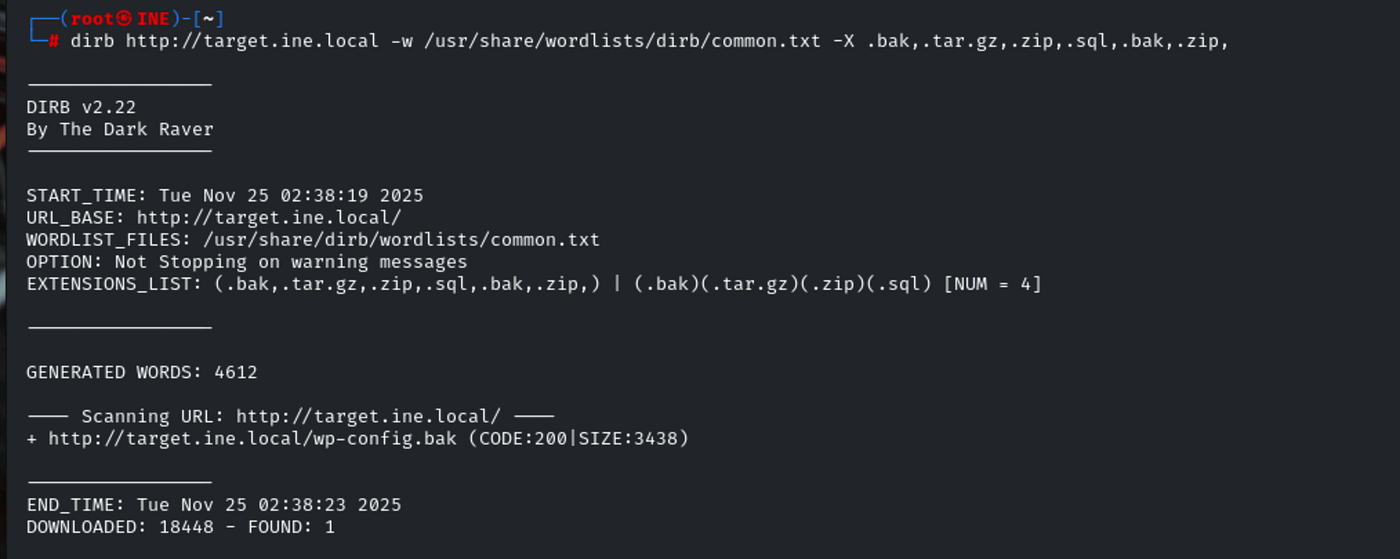
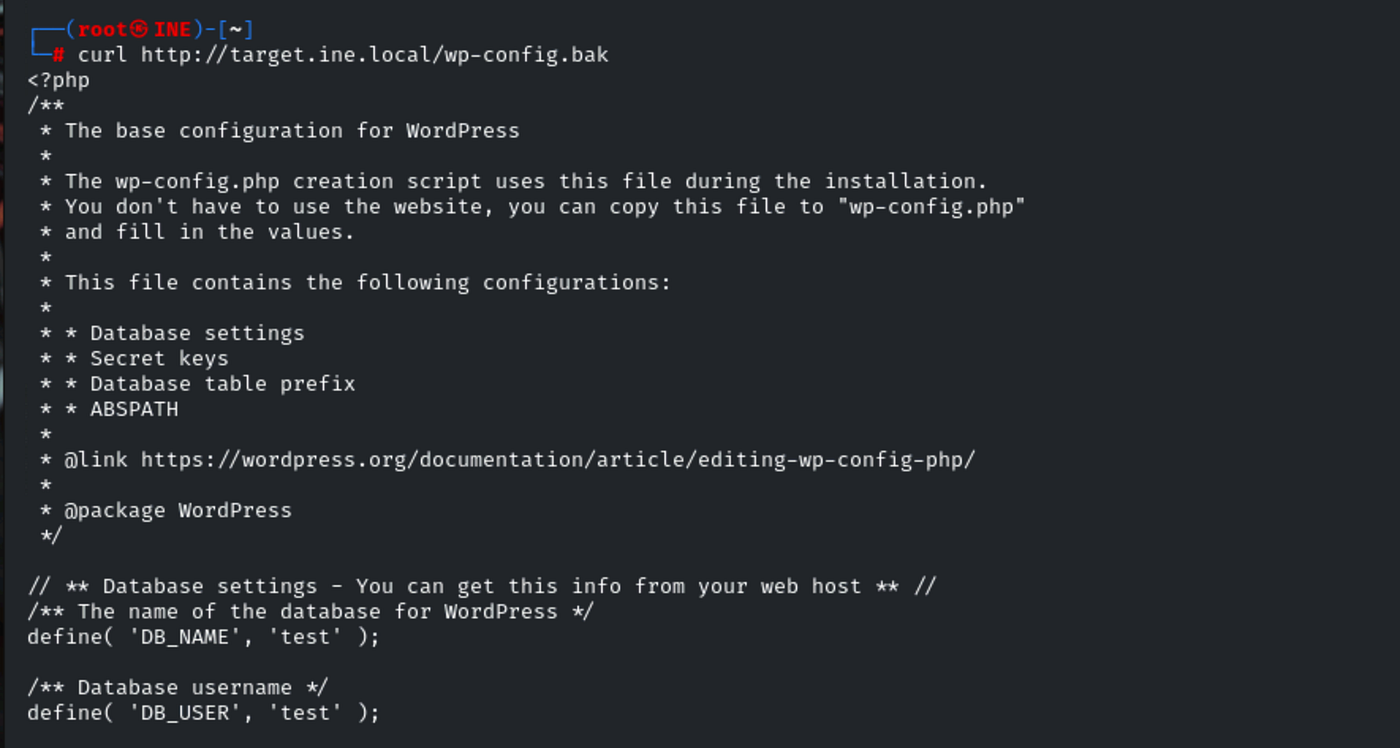
inurl:wp-config | inurl:config.php(This search finds pages where the URL contains either
wp-config(a WordPress file) orconfig.php(a generic configuration file).)
* (Wildcard)
The asterisk acts as a wildcard placeholder for any word or phrase. It is useful when you need to search for a specific structure or phrase but are unsure of one or more words in the middle.
Syntax:
"phrase with * in the middle"Example:
"database connection error for user *"(This search finds database error messages where the name of the user is unknown or varies.)